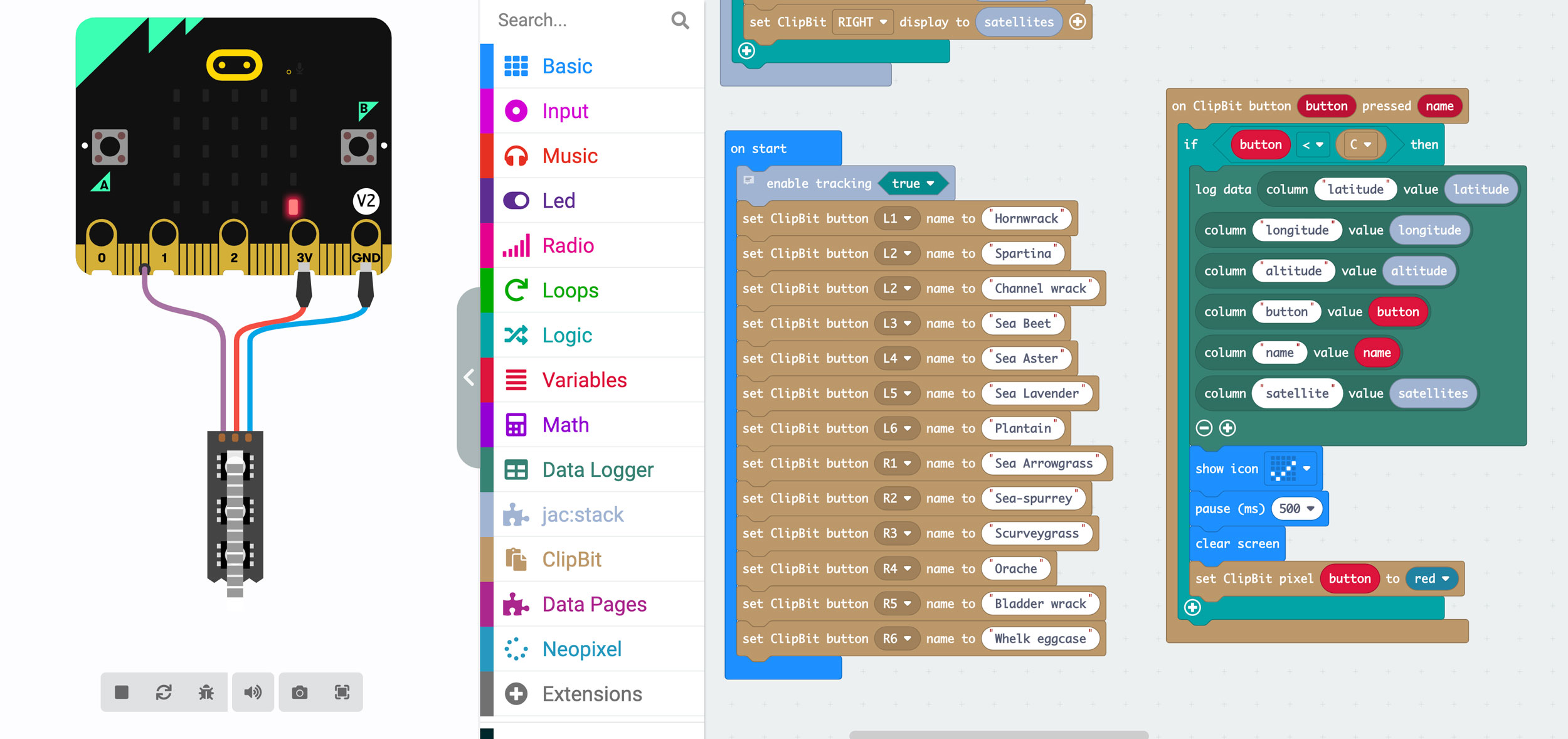
The micro:bits used in the project can be coded using several coding languages including MakeCode and Python. We use MakeCode a block-style language, like Scratch. MakeCode is free and can be used on a computer, tablet, Chromebook or phone. Google Chrome is the preferred browser if using the online editor.
The code interface is here: https://makecode.microbit.org/ but can be downloaded as an app for tablets and Chromebooks. There is more information here: https://microbit.org/code/
Code templates to edit or use directly using Google Chrome or Firefox:
Please use the code as it is or adapt for your environmental monitoring project.
Microbit + GPS: Mapping a walk and recording special features:
Direct download here
clip:bit counter + GPS: Click clip:bit buttons to record count of different species/features. GPS marks the location:
Direct download here
clip:bit counter: This doesn’t record location but can be used to count species at a site. This has been used with primary age children from Year 1 to 6:
Direct download here